RentalsUnited
How to authenticate the integration
We'll use a test app, Acme AI, to show how an end-user can authenticate the integration between GuestWisely and Acme AI.
Go to Settings > Integrations section within Acme AI app.
Among the list of Integrations, click on GuestWisely's logo and you will be redirected to the Authentication Screen as shown below.
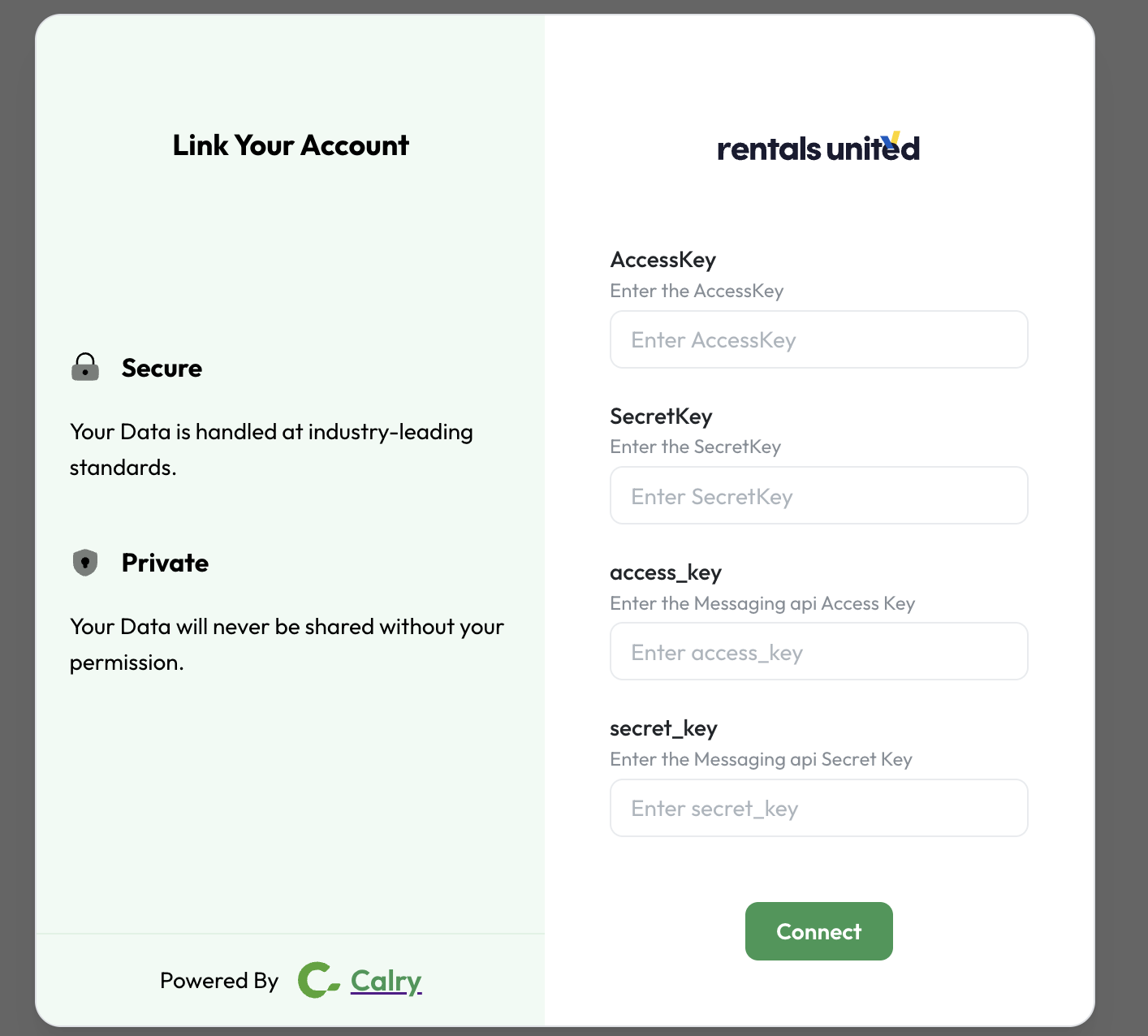
Please follow this article to retrieve your api keys- How to get API keys
Generate two sets of API keys - one for the XML api and one for guest communications api.
Once you have this information, enter it on the Authentication screen from Step 2 to complete the authentication successfully.
If you have any questions or need help, don't hesitate to reach out at mail@calry.app.