Avantio
Before you start
Avantio requires a partnership agreement with the software provider before it issues API keys for that provider. API keys are issued by Avantio, per provider, once the agreement is in place.
If you do not have an agreement with Avantio yet, reach out to us and we will introduce you to Avantio's partnerships team.
How to authenticate the integration
We'll use a test app, Acme AI, to show how an end-user can authenticate the integration between Avantio and Acme AI.
Go to Settings > Integrations section within Acme AI app.
Among the list of Integrations, click on Avantio's logo and you will be redirected to the Authentication Screen as shown below.
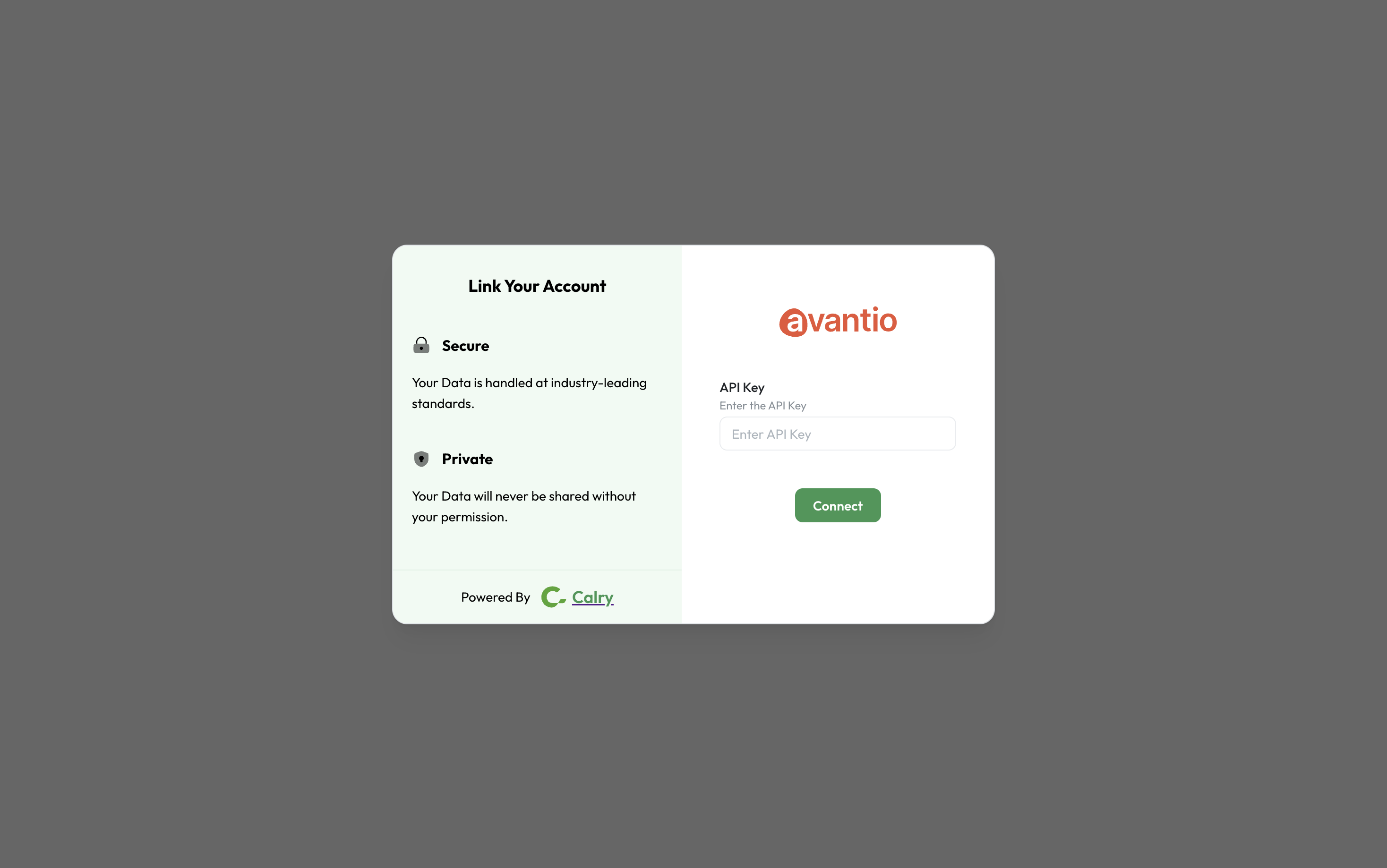
Paste your Avantio API key on the Authentication Screen (from 2nd point) and click on 'Connect'. You will see a message box that shows you've successfully authenticated the integration.
If you have any questions or need help, don't hesitate to reach out at mail@calry.app.