Ciirus
How to authenticate the integration if you're a Ciirus Partner
Once you become a Ciirus partner, you’ll receive a unique username and password — you just need to add this in the headers and queryParams section of the Ciirus integration on Calry, by going to Settings → Integrations.
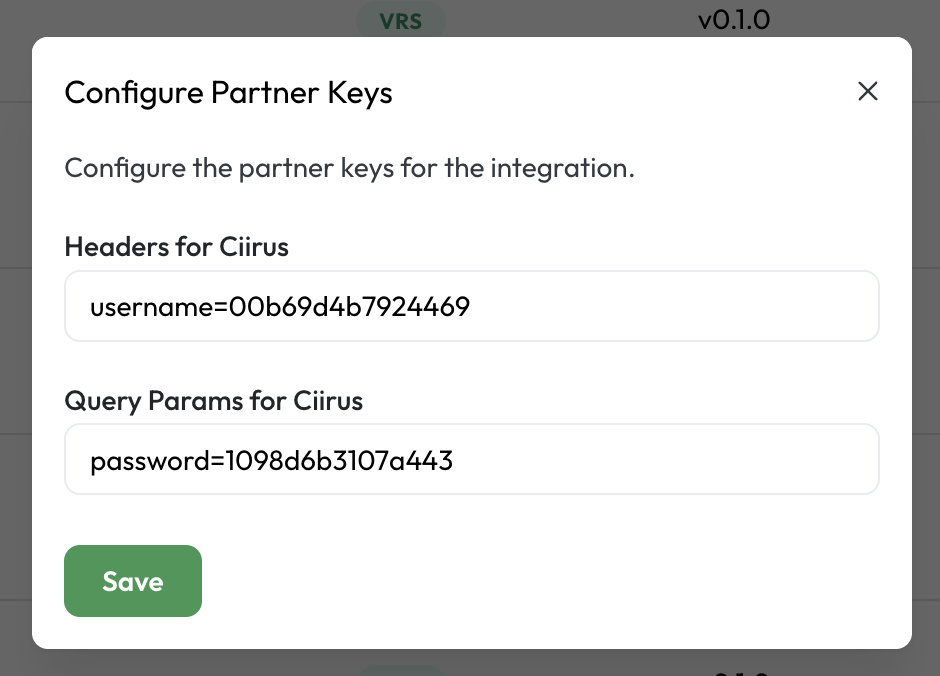
We'll use a test app, Acme AI, to show how an end-user can authenticate the integration between Ciirus and Acme AI.
Go to Settings > Integrations section within Acme AI app.
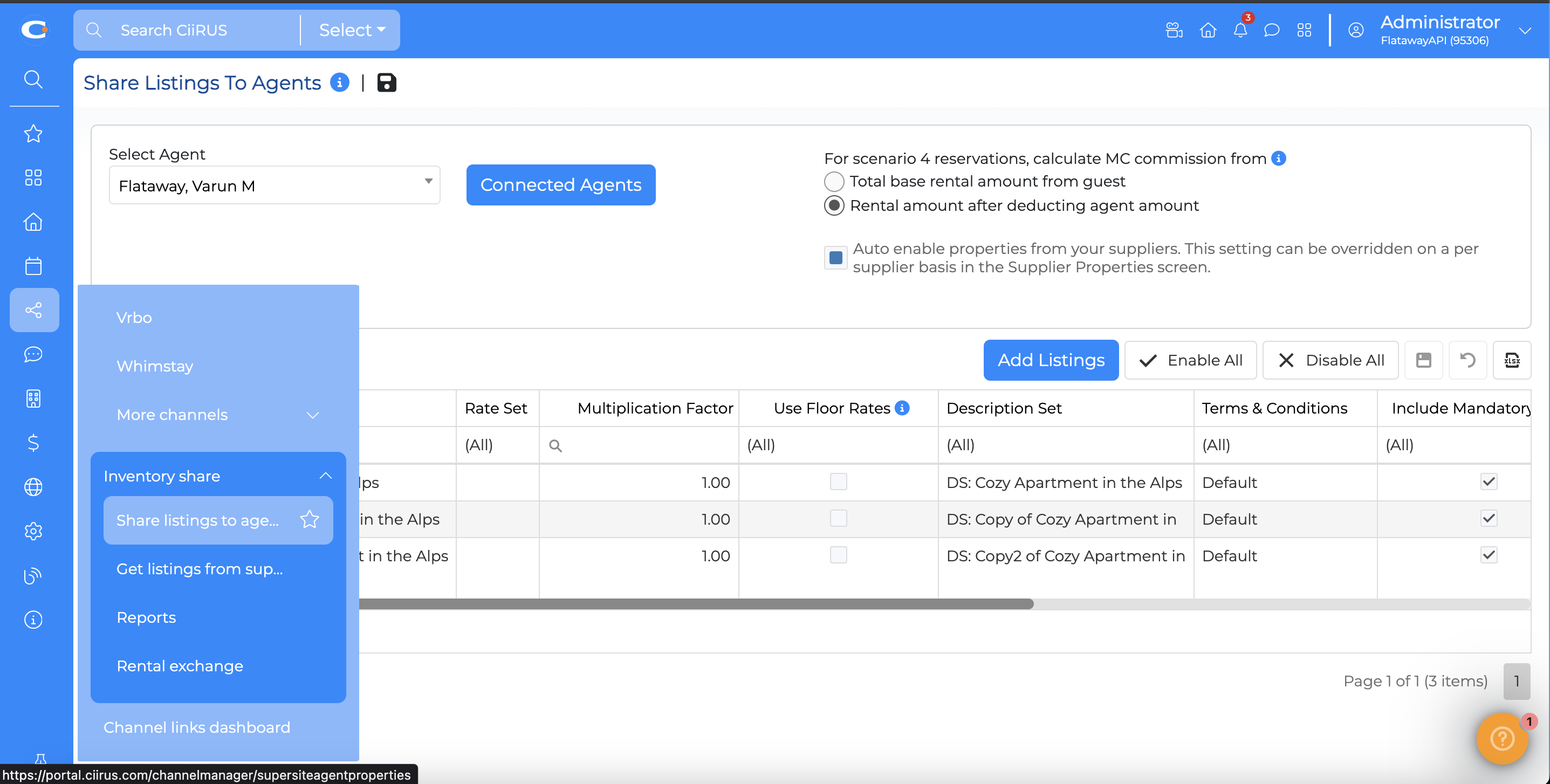
In your Ciirus portal click on share>inventory share> share listings to agent.
If your agent is not present there please add them by clicking on connected agents and enter the relevant info (you can reach out to your agent if you do not have this info).
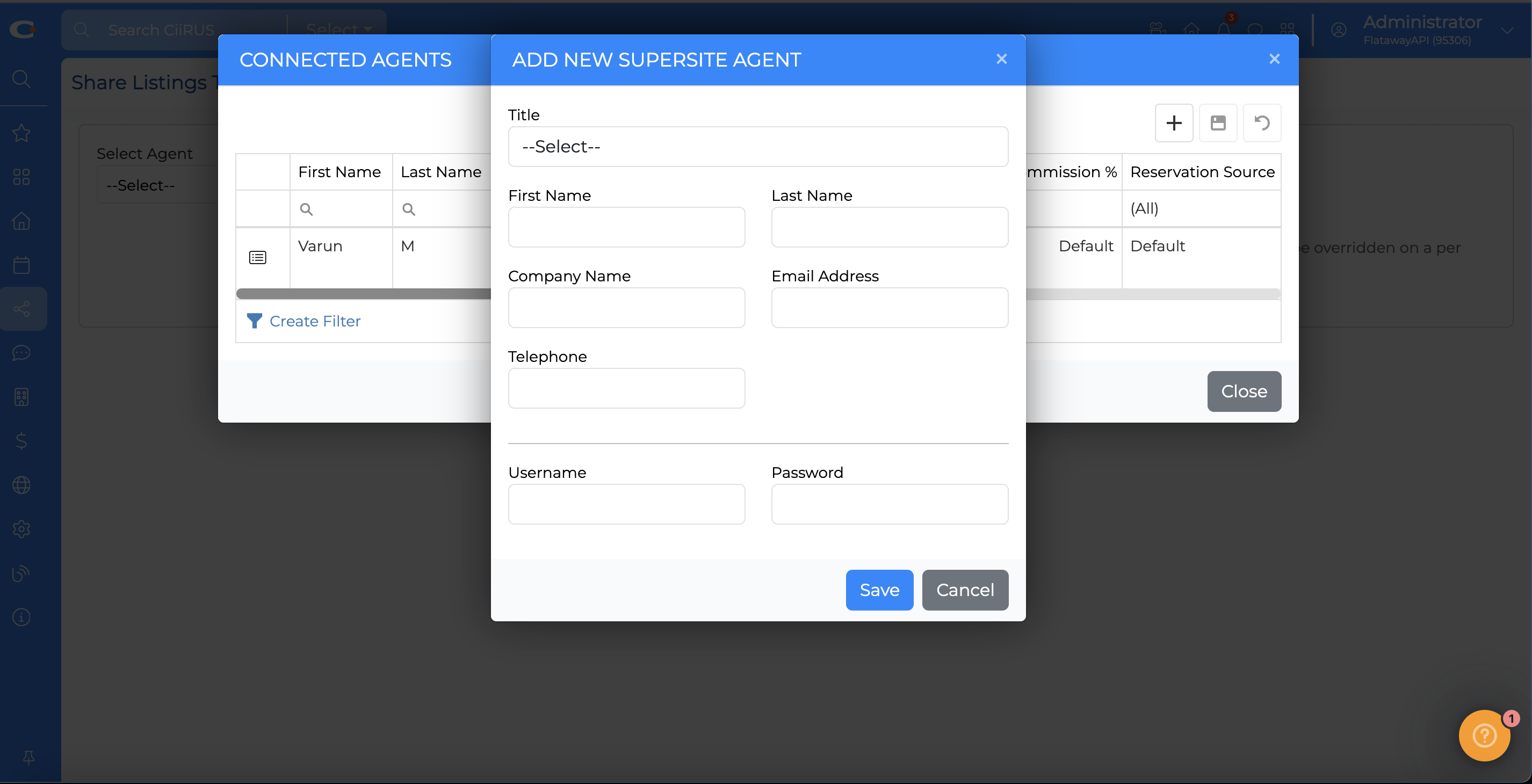
Now enable all your listings for that agent by clicking on enable all
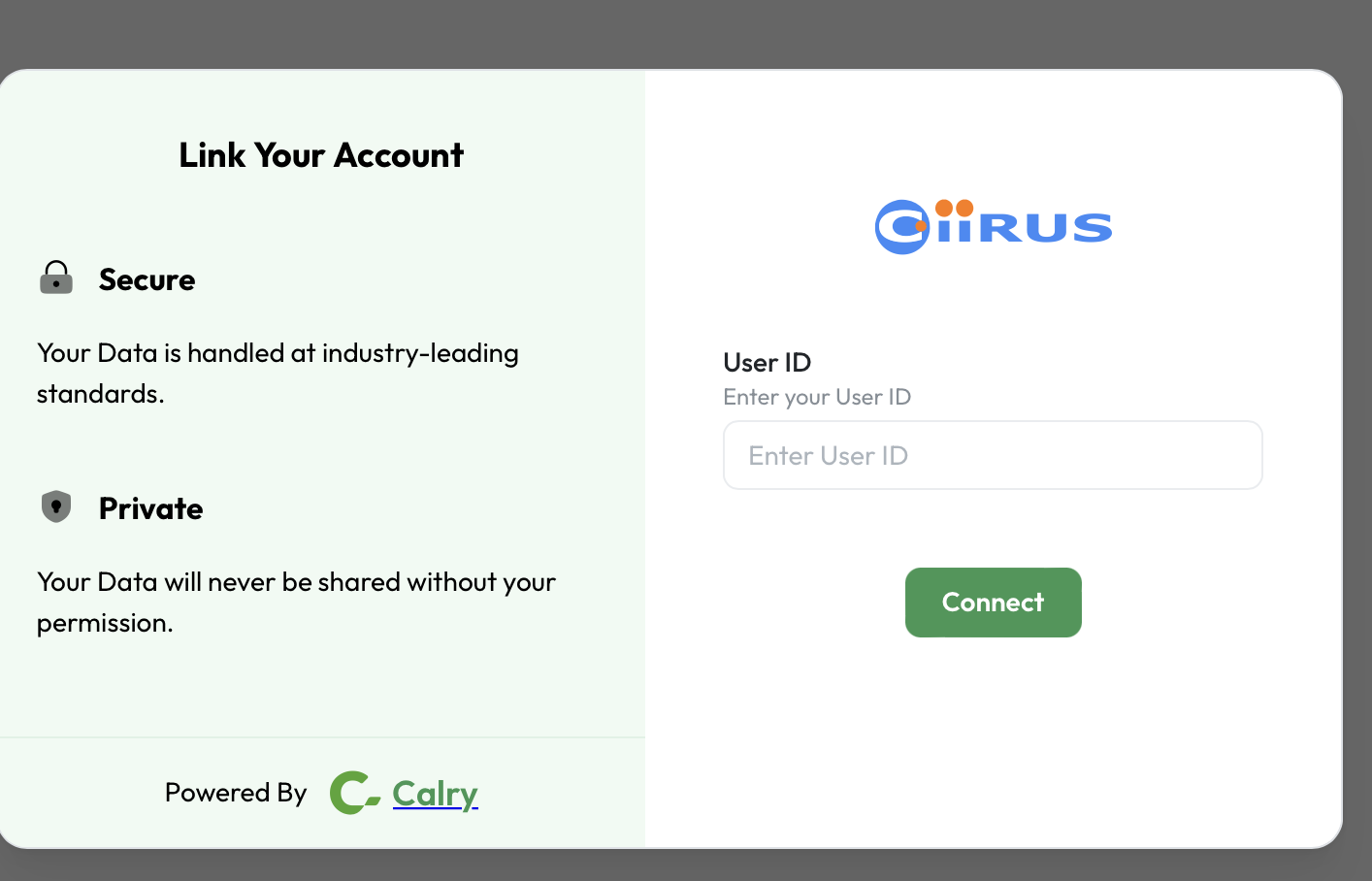
Paste your ciirus user Id in the link modal.You can find it in the top right corner of your ciirus dashboard. Once successfully done, You will be redirected back to Acme AI app. You’re all set to start using Acme AI now!
If you have any questions or need help, don't hesitate to reach out at mail@calry.app.