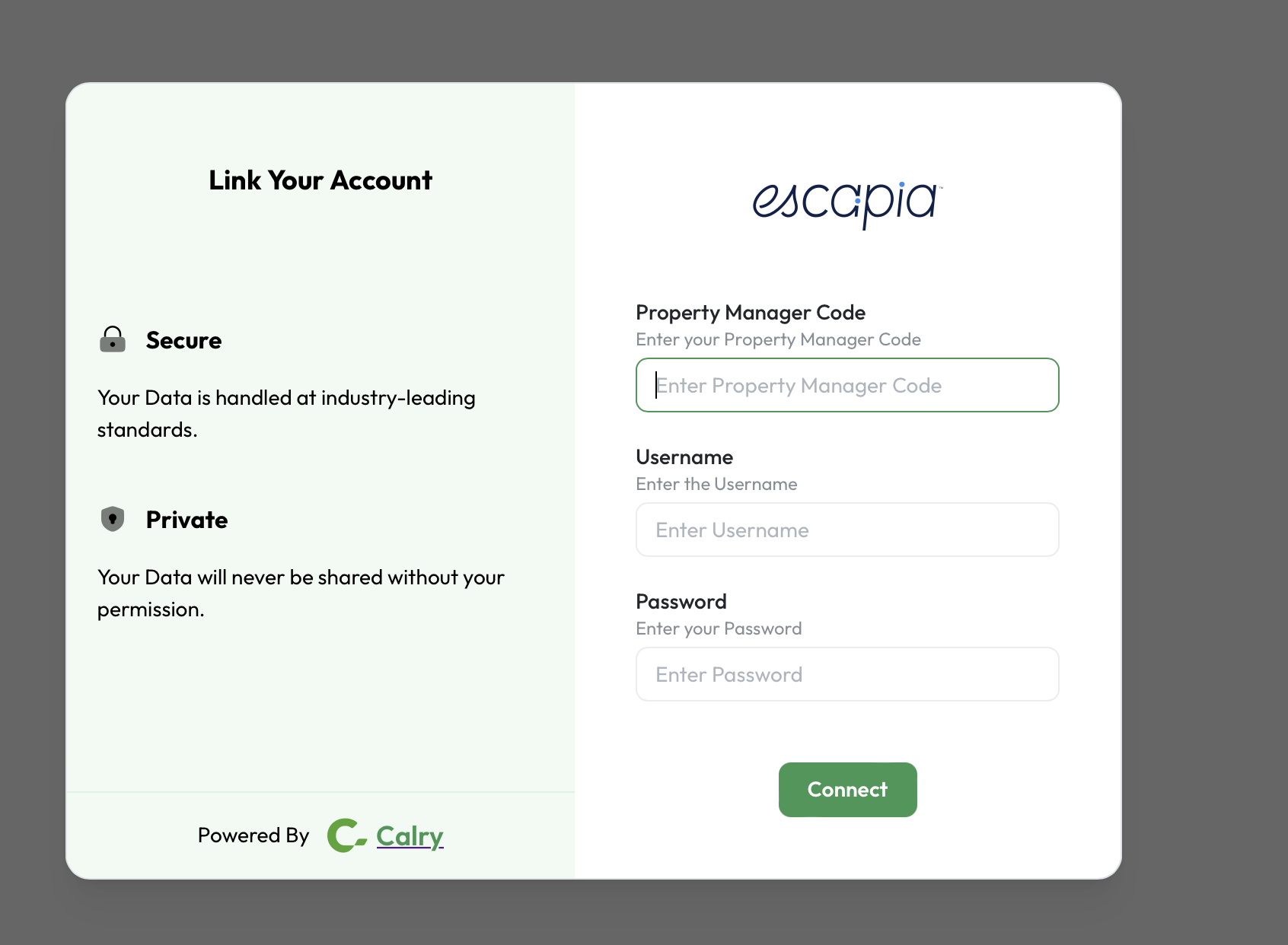
Escapia
How to Authenticate the Integration
To connect your application with a property manager's Escapia profile, you must first be a certified Escapia API partner.
Step 1: Configure Integration Settings in Calry
This step is performed only once by your company, the Escapia API partner, as part of the initial integration setup.
Navigate to your system's configuration area:
Settings > Integration Definitions > Escapia.Add your Partner Credentials (provided to you by Escapia) to the integration definition fields.
- Add your unique Client ID (or
Partner ID) to the headers field. - Add your unique Client Secret to the query parameters field.
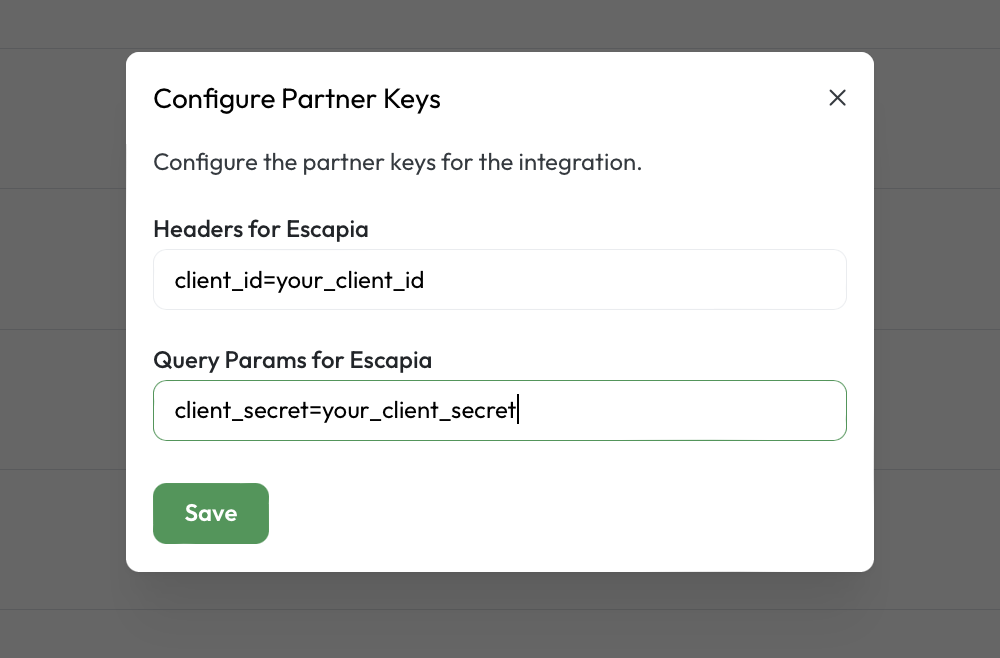
- Add your unique Client ID (or
Step 2: Authentication (End-User Flow)
This is the flow an end-user (the Property Manager) follows to connect their specific Escapia account to your system.
Enter the property manager's PMCID in the Calry Authentication Screen.It is accessible to all Admin users by navigating to: Admin -> Company Settings -> Company Info -> Company ID (PMCID).
Enter your requestor ID (your unique Partner/Integration ID issued by Escapia) in the Calry Authentication Screen.
The per-property-manager password they set for your partner in their EscapiaNET settings. This grants your specific integration access to their data.